
Overview
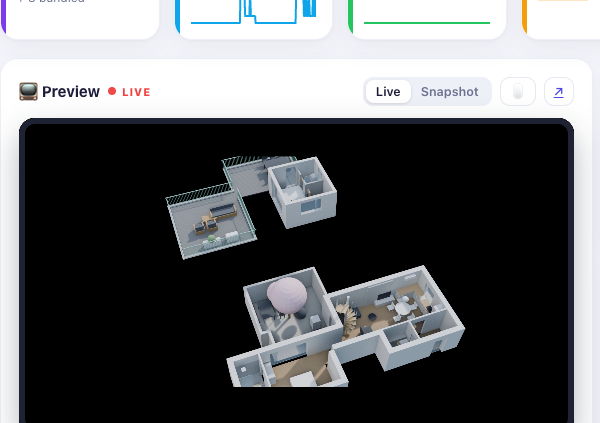
Key figures, live preview of the mirror, brightness, zoom, standby and page change. The region map shows and hides single modules with one click.
🪞 ioBroker adapter + MagicMirror² module · v1.0.0
Watch, control and configure it without an SSH session to the mirror: live preview, module catalogue with one-click install, a log without delay and more than 80 data points for scripts and visualisation.
🚀 Start installing 🖼️ See screenshots
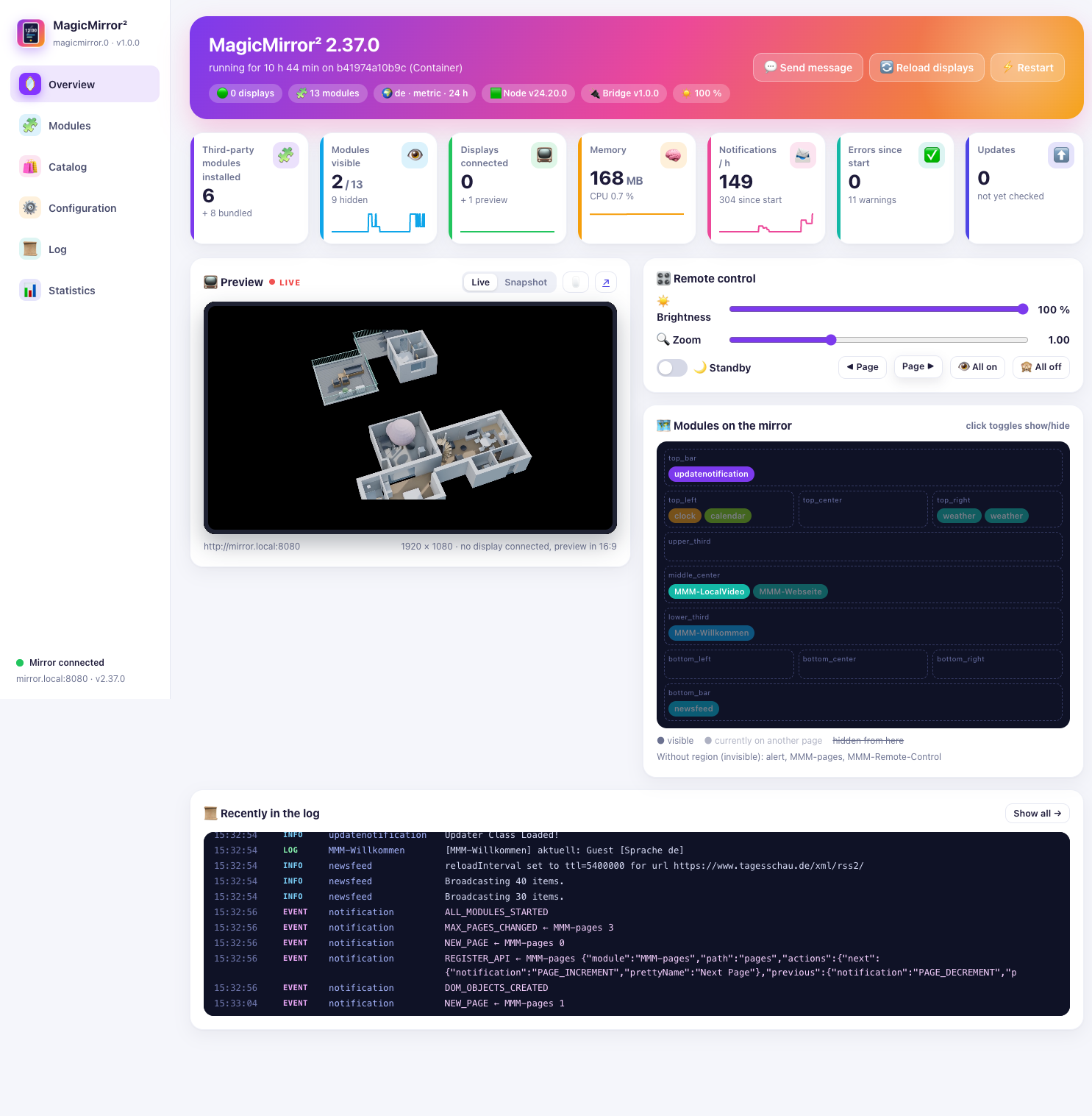
Seven areas, one entry in the Admin side menu.
Key figures, live preview of the mirror, brightness, zoom, standby and page change. The region map shows and hides single modules with one click.
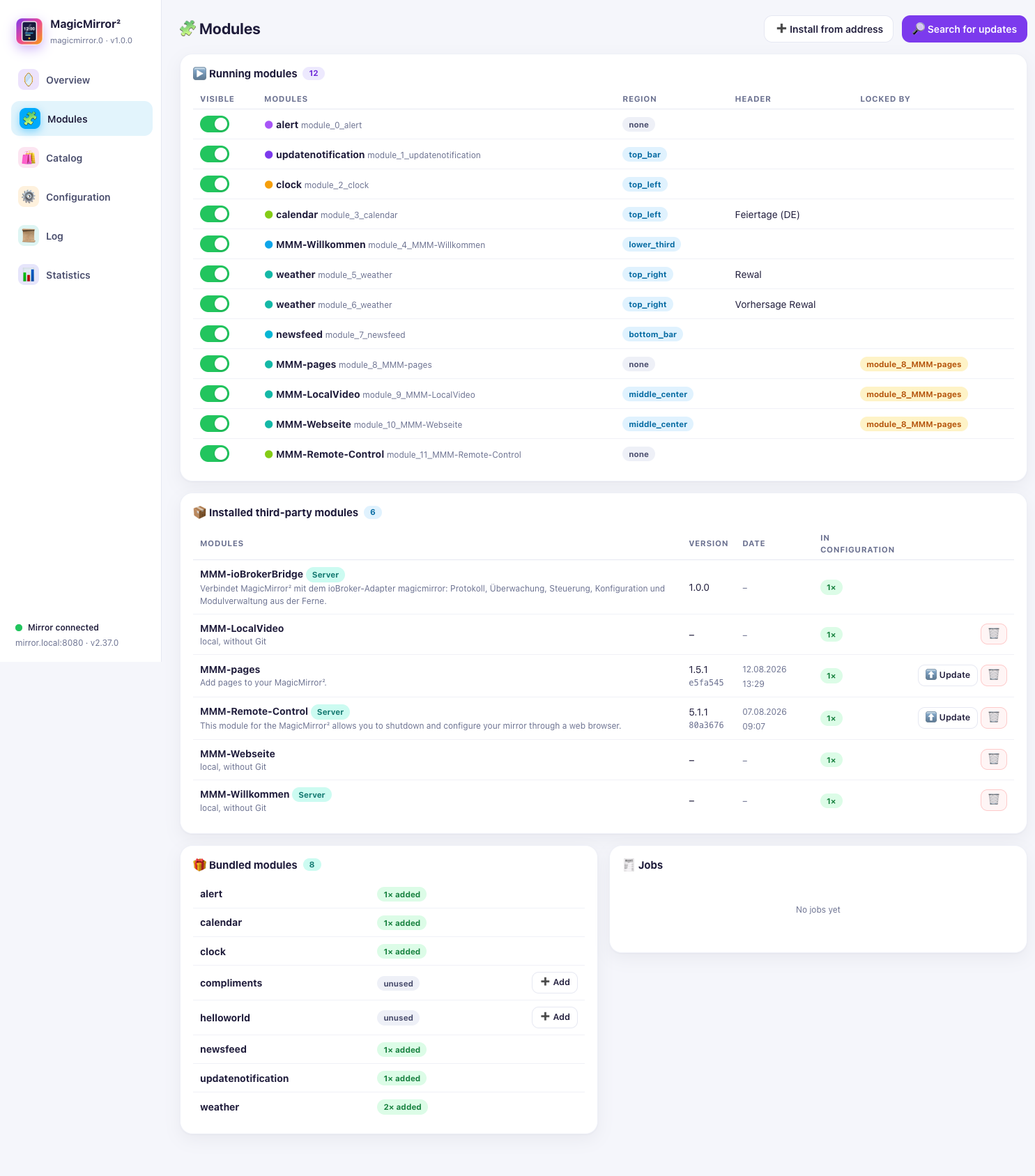
Running, installed and bundled modules at a glance – update with git pull, remove, or add to the configuration.
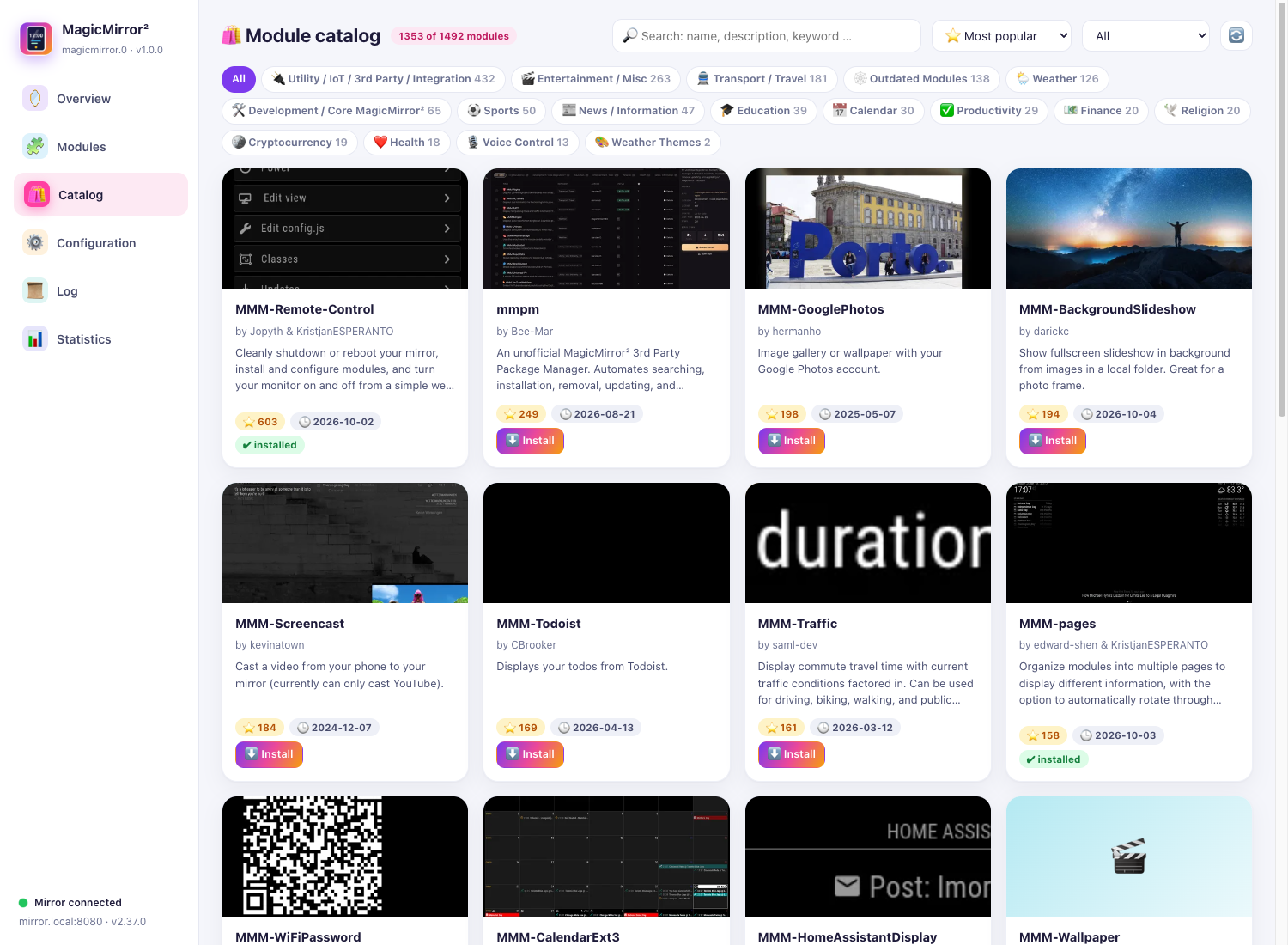
Search and filter the roughly 1500 modules from modules.magicmirror.builders, read the README and install with one click.
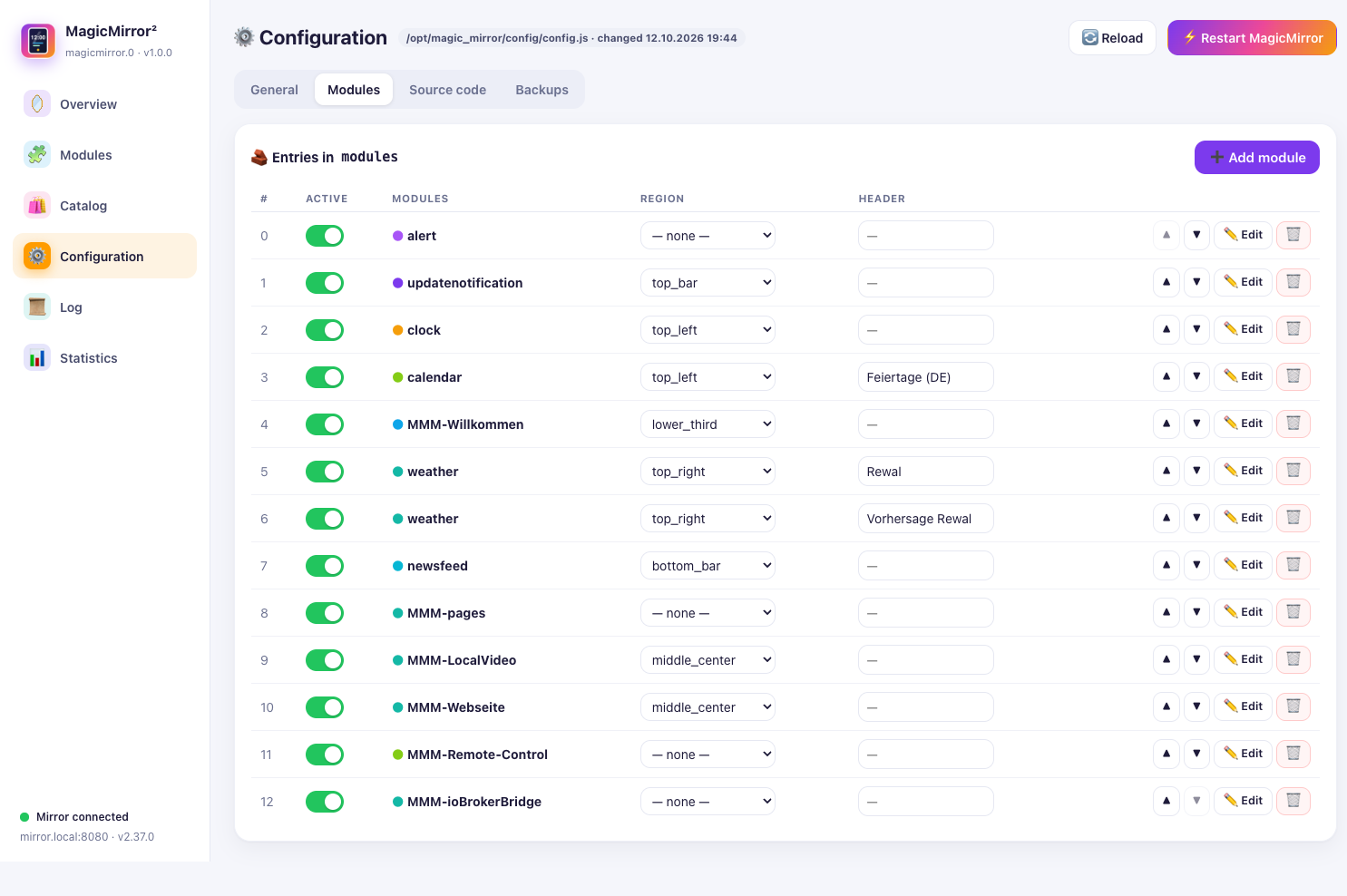
General settings, module entries, the source of config.js and backups – only text that can be executed is saved.
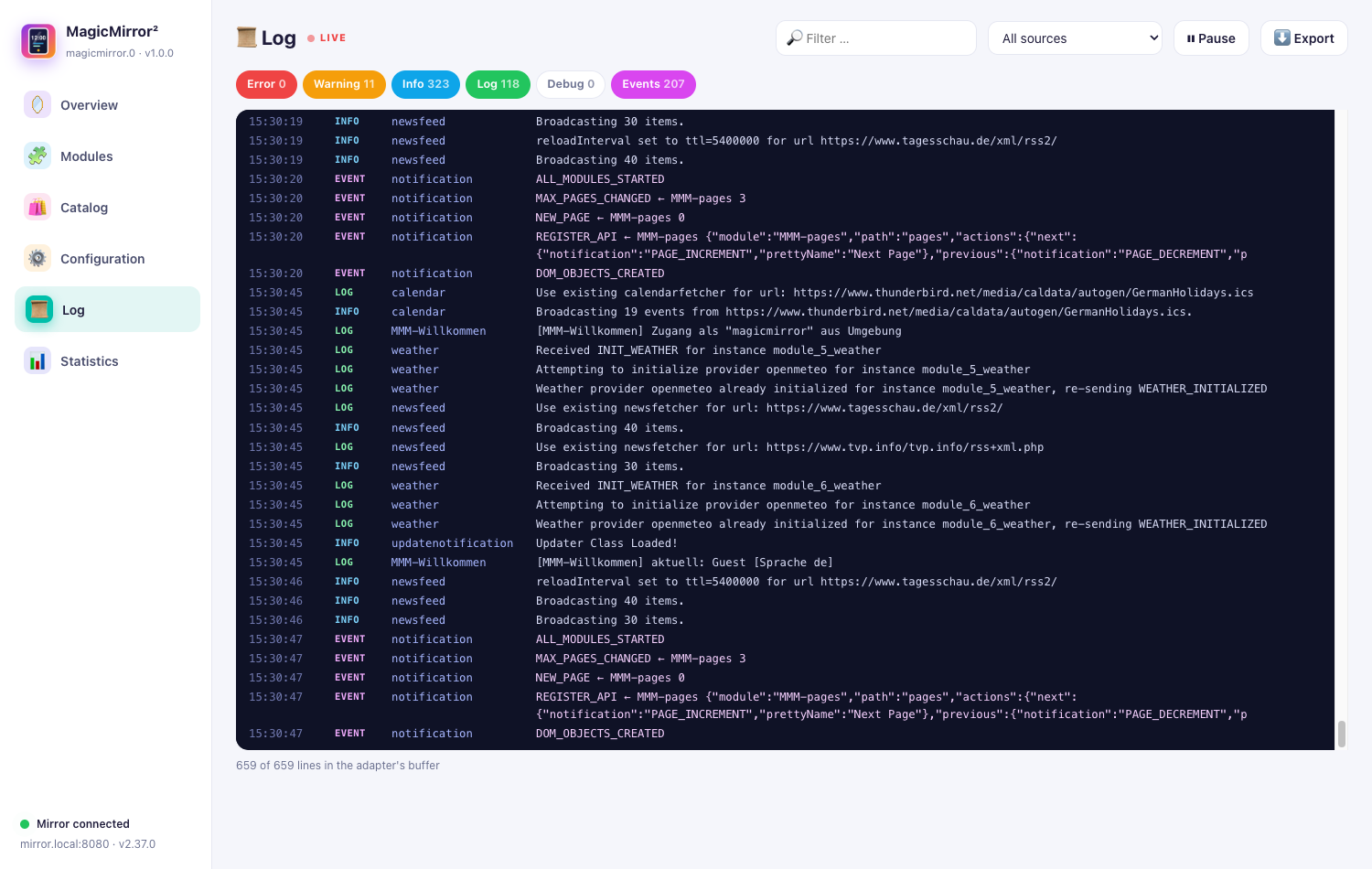
Server and browser log of the mirror without delay, with filters by level and source, search and export.
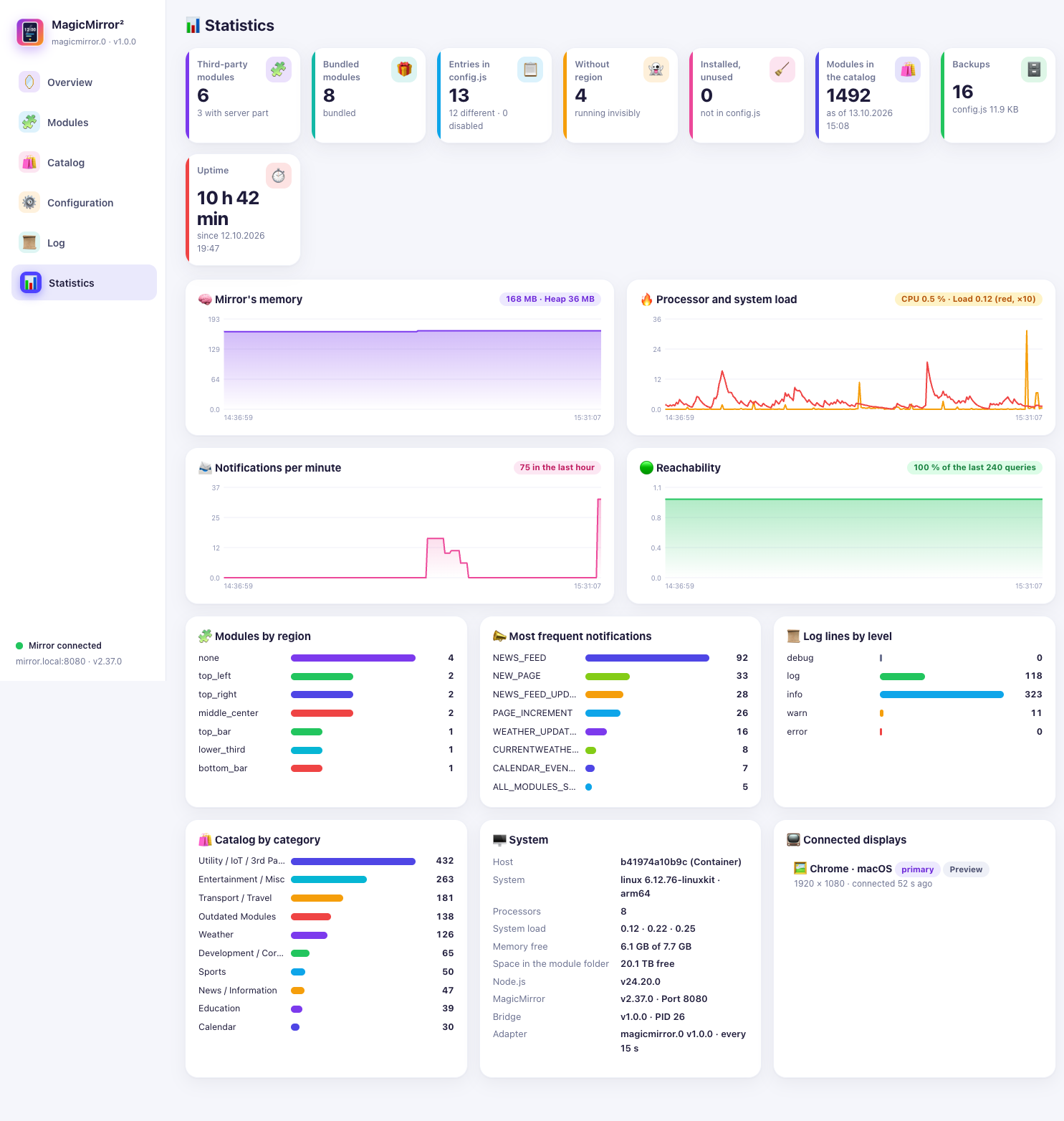
History of memory, load, notifications and availability, distribution of modules and system details.
More than 80 data points for scripts, visualisation and alarms – including a switch for every running module.
Access only with a token that ioBroker stores encrypted. git and npm run without a shell, addresses are validated.
All pictures were taken from a real installation – click to enlarge.
Two parts belong together: the ioBroker adapter magicmirror and the MagicMirror² module MMM-ioBrokerBridge.
The tab in the Admin never talks to the mirror directly. It sends commands to the adapter with sendTo, the adapter calls the module’s REST interface, and the module carries them out on the mirror.
The only exception is the frame of the live preview, which your browser loads straight from the mirror.
Copy MMM-ioBrokerBridge into the modules folder, set the token as MM_IOBROKER_TOKEN, add it to config.js.
Build the package with npm pack, install it, then iobroker upload magicmirror and iobroker add magicmirror 0.
Enter address, port and token in the instance, click Check connection – the entry MagicMirror appears in the side menu.
Module on the mirror, adapter in ioBroker, set the access token – done.
🚀 Start installing